

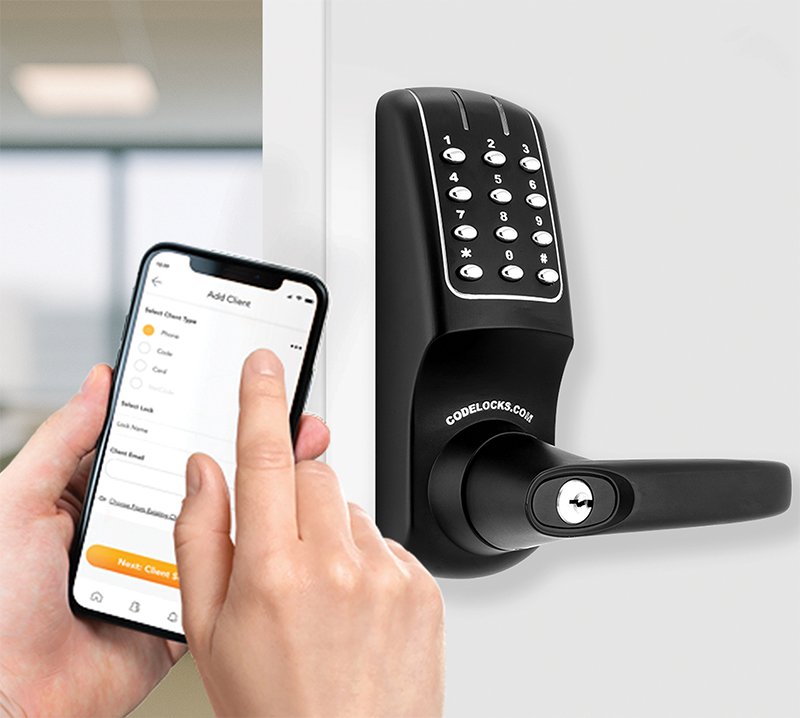
Codelocks has announced the launch of its Codelocks Connect App, enabling users to remotely manage connected locks from a mobile device. Now, business owners, building managers and personnel responsible for managing access to a site can create access codes, and share them via email or SMS directly from the app.
The Codelocks Connect App features Codelocks NetCode Technology allowing users to generate time-sensitive codes, to create NetCodes that have a specified start date, time and duration after which they will automatically expire. The new app builds on the desktop-based Codelocks Connect Portal features and functionality in a mobile-optimised format.
New locks can be added and registered from a mobile device, which is useful for installers and facilities managers configuring new devices during an installation. Any locks that are already registered in the Connect Portal are easily imported into the app without duplication, and all changes – whether made in the app or in the portal – are automatically synchronised across both platforms. Multiple managers can also be assigned to a single lock or group of locks, which enables teams to share access responsibilities without relying on a single administrator.
